


How To Register/Login
Please see our walk through below on how to register as a customer or as a distributor.
Step 1:
Click on Login at top right on menu

Step 2:
Fill in your details on right hand side under ‘Register’.
For individual customers select ‘User Type’ and make sure selection is on ‘Individual Customer’.
Click ‘Register’ once done.
For distributors see Step 3 below.

Step 3:
For distributors – click on ‘User Type’ and select ‘B2B (requires approval)’

Step 4:
You will receive an email from our website with instructions on how to proceed. Please check your spam folder. Mark as ‘Not Spam’ if needed.
Click on the login link emailed to you.
Click on Login and enter your username and password.

Step 5:
Once logged in you will see your dashboard (see image below).
You can find this page by clicking on ‘My Account’ at top right of menu.
Once logged in you can browse our shop, see previous orders, add products to your wishlist, edit address and account details. Distributors will have access to tailored pricing.

 Airbrushes
 Accessories
 Compressors
 Protection
 Manual Spray Guns
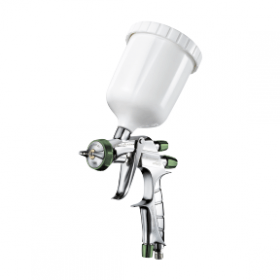 Basecoat Spray Guns
 Regulators
 Cleaning / Maintenance